Core runtime
npx forge-memory status
npx forge-memory doctor
npx forge-memory ui
Confirm the Forge backend, mounted web app, data folder, and configured adapters before debugging agent or companion behavior.
Support
Use this page when Forge or Forge Companion is not behaving as expected. The common failure points are pairing, HealthKit permissions, shared runtime configuration, Iroh transport reachability, manual HTTP/TCP fallback setup, and local agent setup.
First Checks
npx forge-memory status
npx forge-memory doctor
npx forge-memory uiConfirm the Forge backend, mounted web app, data folder, and configured adapters before debugging agent or companion behavior.
origin:   http://127.0.0.1
port:     4317
dataRoot: one shared location
userId:   explicit on writes
Most confusing behavior comes from different surfaces pointing at different Forge stores instead of one shared runtime.
Common Issues
Re-run npx forge-memory configure first and keep
OpenClaw selected. Use the direct OpenClaw install command only
for adapter-specific recovery after the guided installer reports
what failed.
Verify that the iPhone companion and the browser are targeting
the same Forge runtime and data root, then confirm Apple
permissions for HealthKit. For Iroh pairings, check the
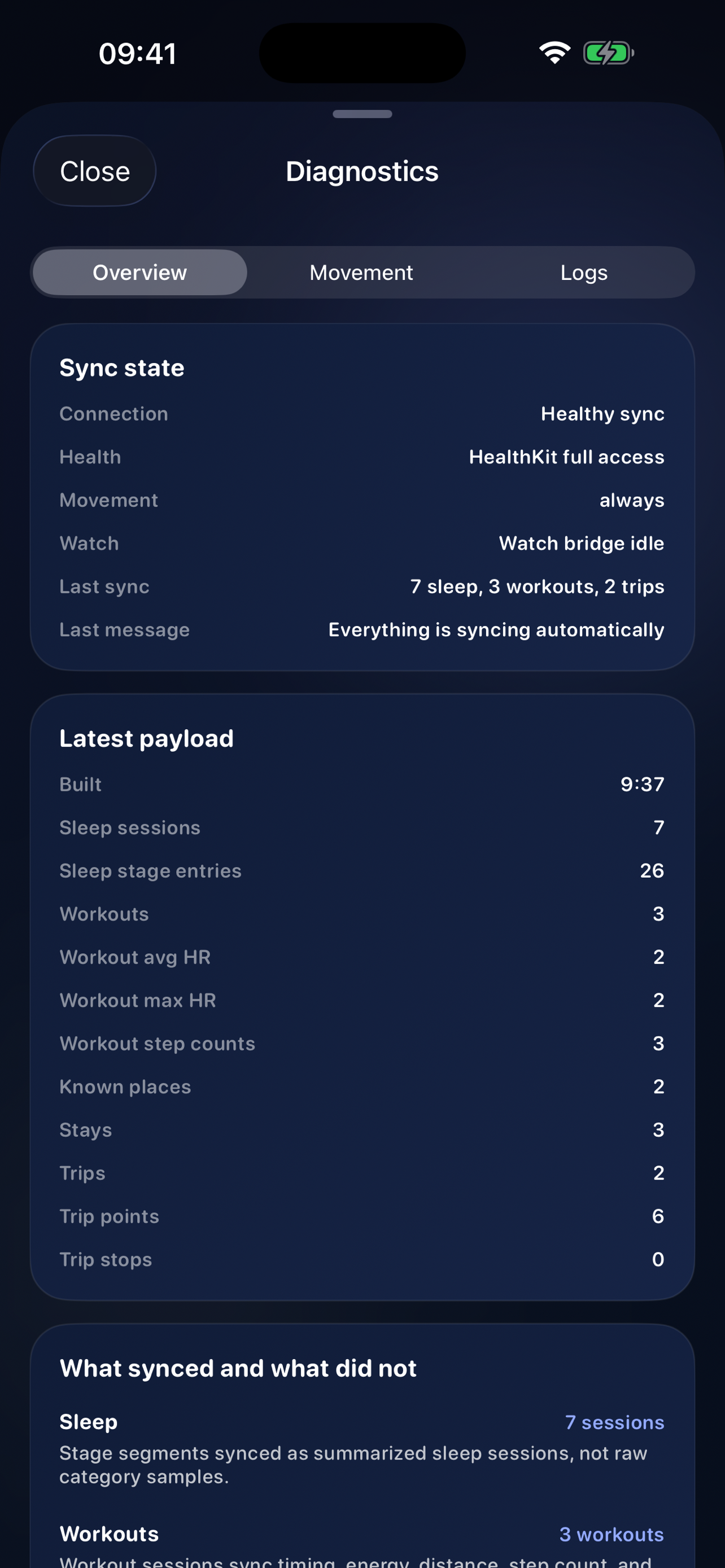
companion diagnostics for the
forge-iroh:// API URL, node id, and
forge-companion/1 transport.
Re-run npx forge-memory pair-ios so Forge starts a
fresh Rust Iroh host and token. Use manual HTTP only when you
intentionally want LAN, Tailscale, or direct debugging behavior.
Forge should stay mounted through the backend at
http://127.0.0.1:4317/forge/. Tailscale should
proxy /forge to that backend route, not directly to
the Vite dev server. Tailscale is an advanced manual path, not
the default iPhone pairing transport.
Run npx forge-memory configure and choose one real
Forge data folder for every selected adapter. If origin, port,
or dataRoot differ between OpenClaw, Hermes, Codex,
and the browser, you are looking at different Forge systems.
Run npx forge-memory update for the normal safe
upgrade path; it creates a backup before refreshing runtime or
adapter files. Run npx forge-memory export before
manual storage changes. Run
npx forge-memory uninstall to remove the runtime
manager and cache while keeping data by default.
Where To Look Next
Best for OpenClaw, Hermes, Codex, shared-runtime setup, and iPhone companion installation questions.
Best for Iroh pairing, relay behavior, QR payload fields, manual HTTP fallback, and transport verification.
Best for local runtime commands, verification steps, and docs/API generation details.
Best when the question is whether a behavior is part of the product model or a misunderstanding of the intended UX.
Best for exact route paths, request shapes, response bodies, and interactive inspection.
Contact
Include the surface that failed, the exact URL or route, the date, and what you already checked.