1. Check Node.js
Forge Memory requires Node.js 22 or newer. Node includes
npm and npx.
node --version
npm --version
Install a current Node.js LTS release and reopen the terminal if
the first command reports a version older than 22.
2. Run the guided install
Start here for the browser UI, OpenClaw, Hermes, Codex, Claude
Code, or all of them together. The guided installer sets up the
local Forge runtime, discovers agent hosts in the background,
and lets you keep or change the real data folder before optional
iPhone pairing.
npx forge-memory
The adapter menu selects every detected host by default, shows
missing hosts as disabled rows, and supports Space to toggle
OpenClaw, Hermes, Codex, and Claude Code.
3. Complete the choices
- Keep or change the detected host adapters.
-
Confirm the Forge data folder, normally
~/.forge.
-
Leave optional Forge-to-Forge sharing off unless you need it.
-
Pair the iPhone now, or skip it and run
npx forge-memory pair-ios later.
Run the installer as the normal operating-system user who will
own this Forge installation.
4. Verify success
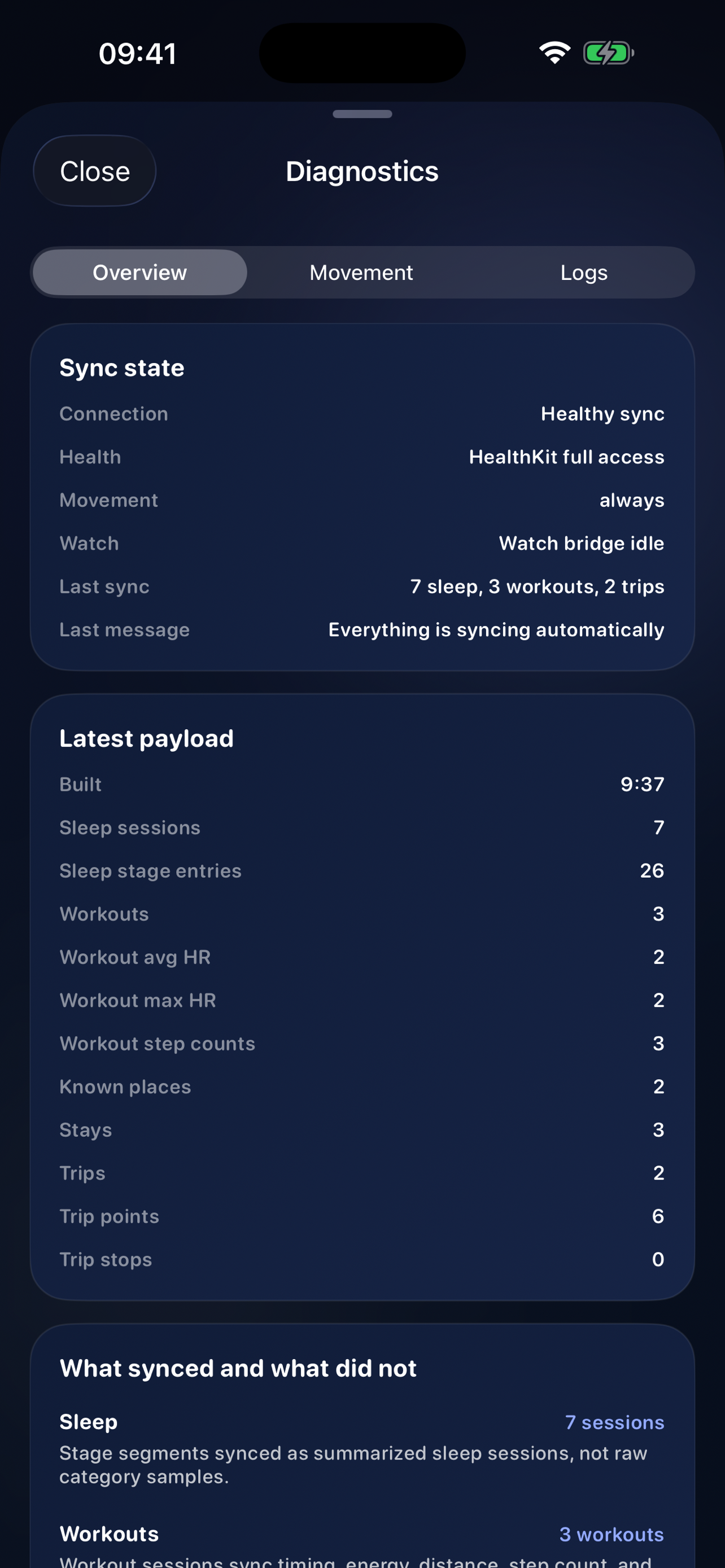
Wait for Forge Memory configured and checked. and
Doctor: passed, then open and verify Forge.
npx forge-memory ui
npx forge-memory status
npx forge-memory doctor
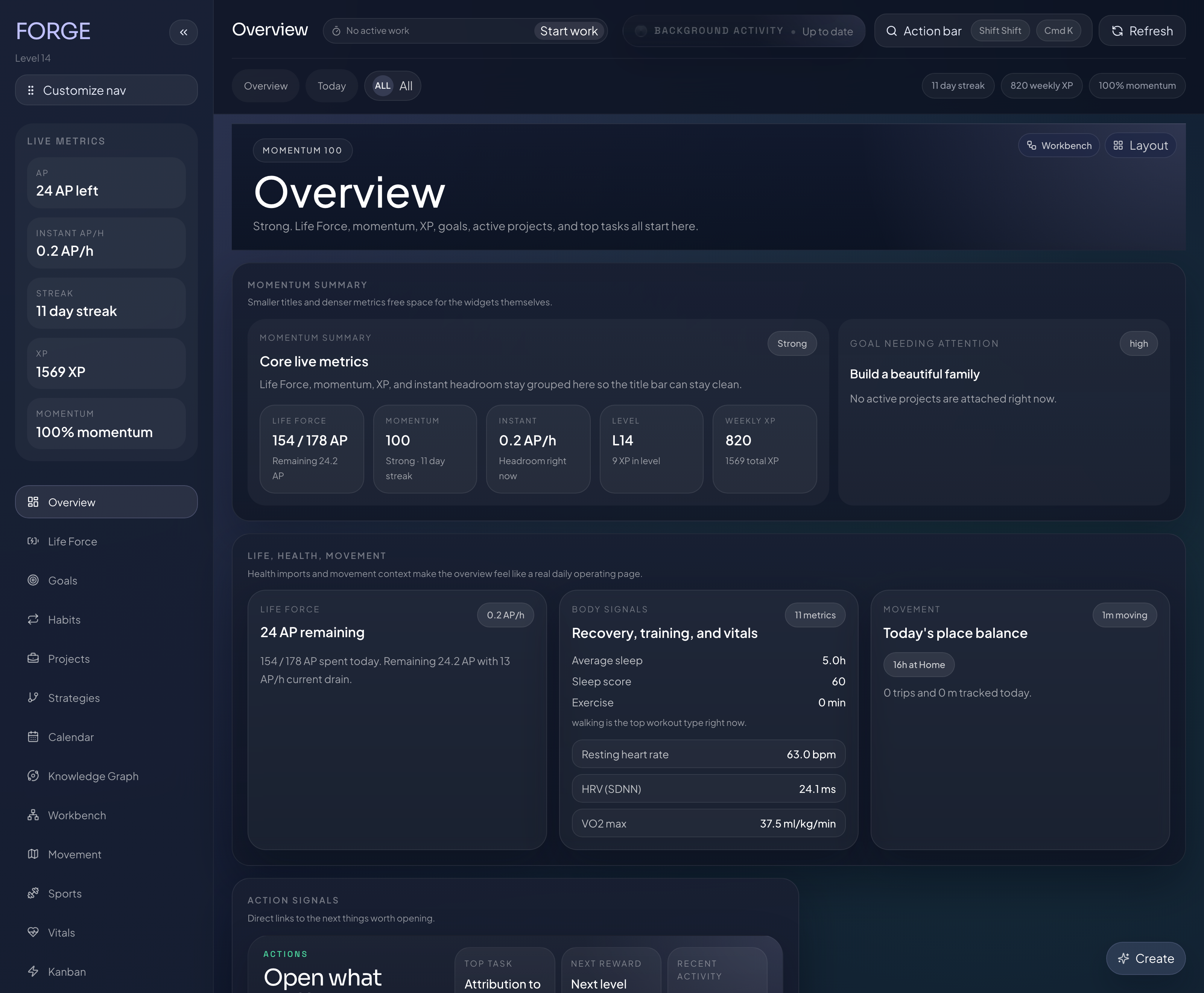
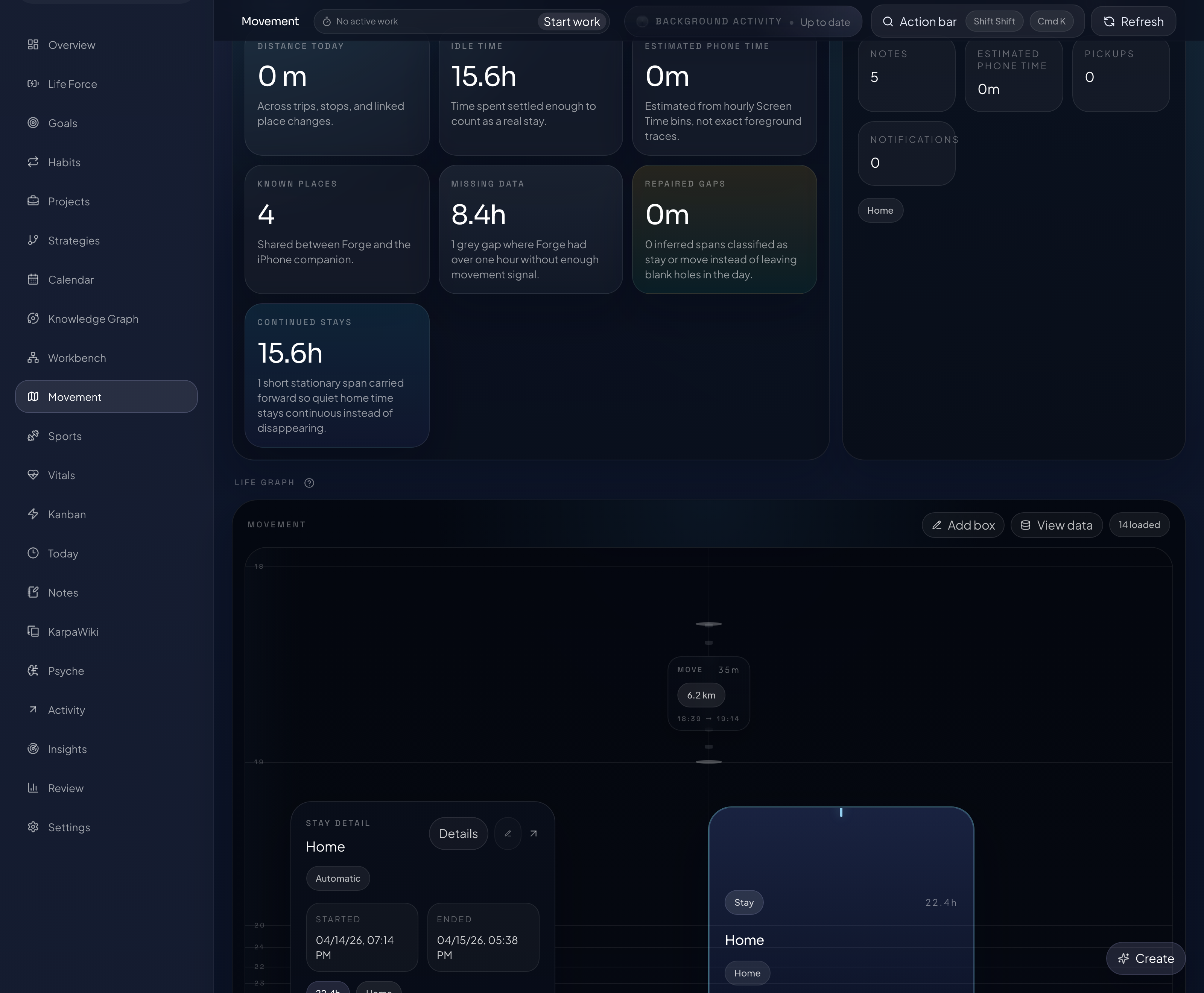
The normal local app is
http://127.0.0.1:4317/forge/. The base install
stays local and does not expose Forge to another machine.
Optional iPhone prompts
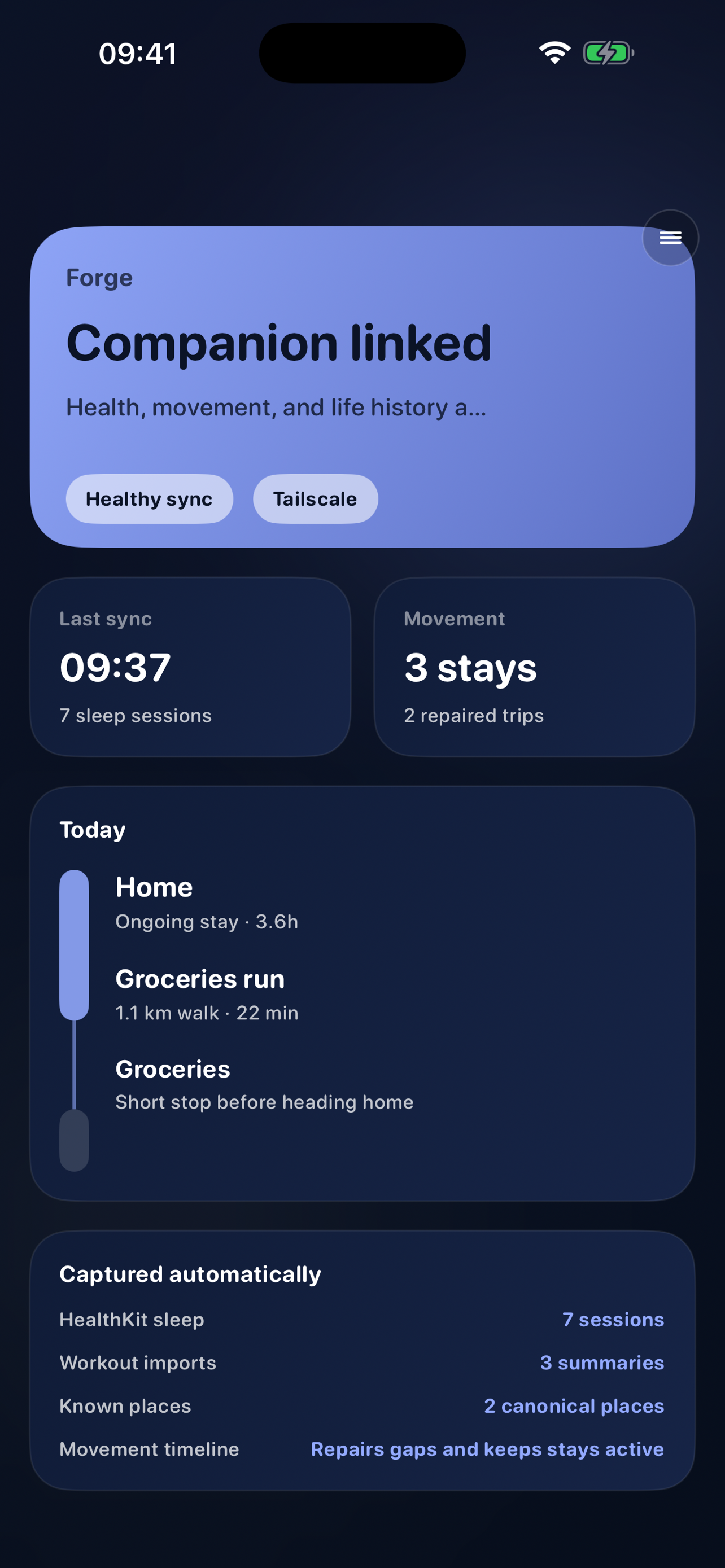
Forge Companion must already be installed. The current app is
distributed to invited testers through TestFlight. The CLI
creates pairing material; it does not install the app or enroll
a TestFlight account.
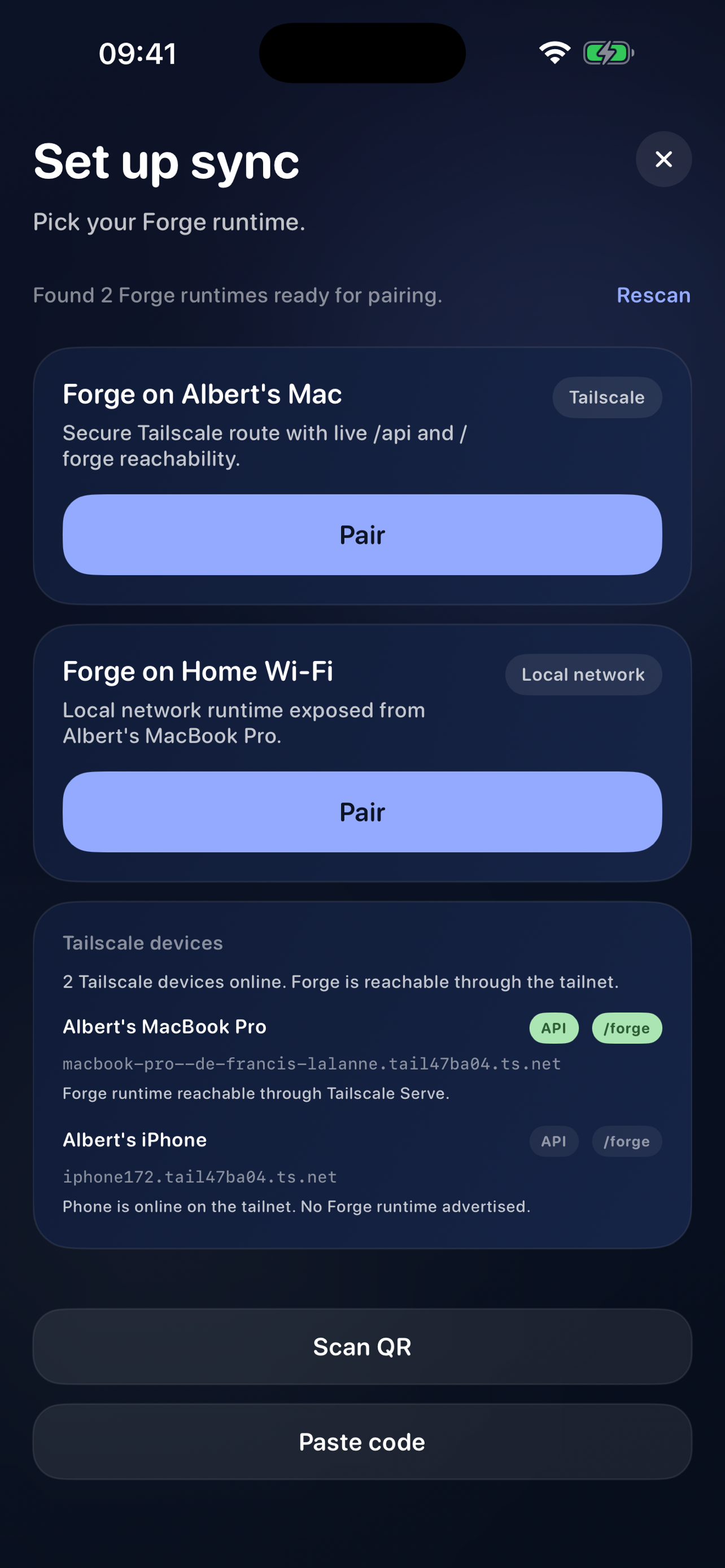
Phone pairing may ask before installing Tailscale, configuring
Tailscale Serve, installing Rust/Cargo for the Iroh fallback,
compiling the bundled native host, or restarting only the
managed Forge runtime to bind its verified HTTPS origin.
You can decline or skip phone pairing during the base install.
Tailscale Funnel is not required.
npx forge-memory pair-ios
Remote browser approval
A remote browser first needs an explicitly configured private
HTTPS route, such as the consented Tailscale Serve path offered
during iPhone pairing. Network reachability alone never
authorizes Forge.
Start pairing in the remote browser. Then approve the exact
pending request from an unlocked local-owner Forge window, or
run this on the Forge host as the operating-system owner:
npx forge-memory pairing
Review the client, enter its short code once, and approve.
Platform differences
The macOS install includes the owner-only
forge:// browser handoff and macOS Keychain storage
for renewable remote CLI credentials. Linux and Windows do not
receive those macOS features in 0.3.52; use the verified
Forge-host CLI for pending browser approvals.
Forge-to-Forge sharing is available on macOS and Linux. It is
not available on Windows in 0.3.52 and should remain disabled
there.
Development install
Use the same polished flow when you are working from a Forge
checkout. Dev mode links adapters to this source tree and
defaults to the real shared Forge data folder.
npx forge-memory --dev
Reconfigure any time
Reopen the full setup flow after install. Forge uses the current
config as defaults, so changing adapters, data folders, or iOS
pairing does not require starting over.
npx forge-memory configure
Operate the local runtime
Check health, open the UI, restart the runtime, or pair the
iPhone companion from the same CLI instead of hunting through
adapter-specific commands.
npx forge-memory status
npx forge-memory doctor
npx forge-memory update
npx forge-memory ui
npx forge-memory restart
npx forge-memory stop
npx forge-memory export
npx forge-memory uninstall
npx forge-memory pair-ios
Update creates a pre-update backup, refreshes the runtime cache,
and updates selected adapters without deleting data. Export
keeps a portable backup path close at hand. Uninstall removes
the runtime manager and cache while keeping your Forge data
folder unless you explicitly ask to delete it.
Safe updates
Use the update command when you want the current runtime,
OpenClaw, Hermes, or Codex integration refreshed. It prints the
backup path before continuing and asks before overwriting any
Forge-related skill folder that may have manual edits.
npx forge-memory update
Agent prompt: run npx forge-memory update --yes,
verify npx forge-memory doctor, report the backup
path, and stop if Forge cannot create a backup first.
Exact guide and advanced adapters
Read the complete numbered guide for platform-specific setup,
pairing, update, recovery, and data-preservation details. Manual
adapter commands remain reference paths for recovery,
source-linking, and host-specific debugging.